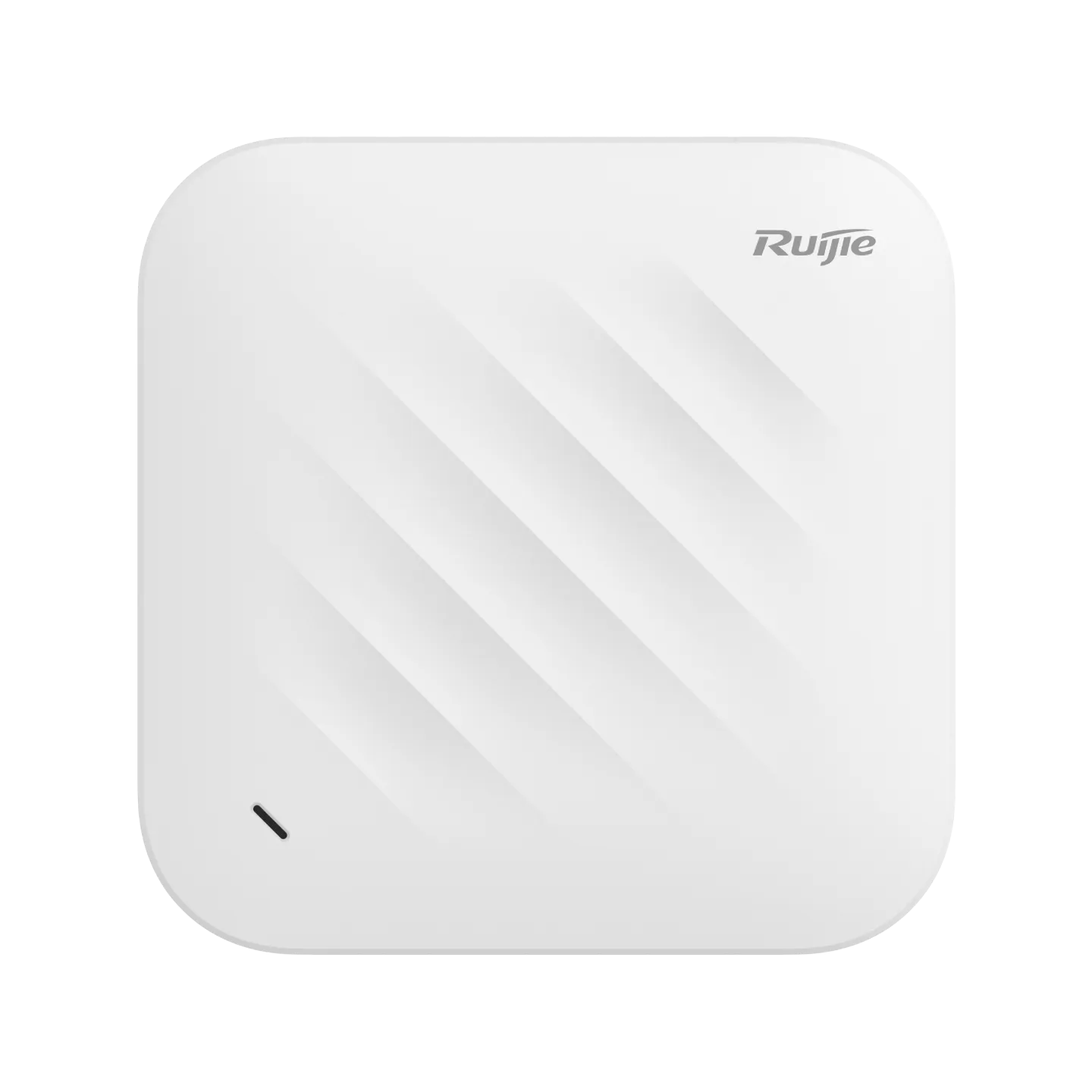
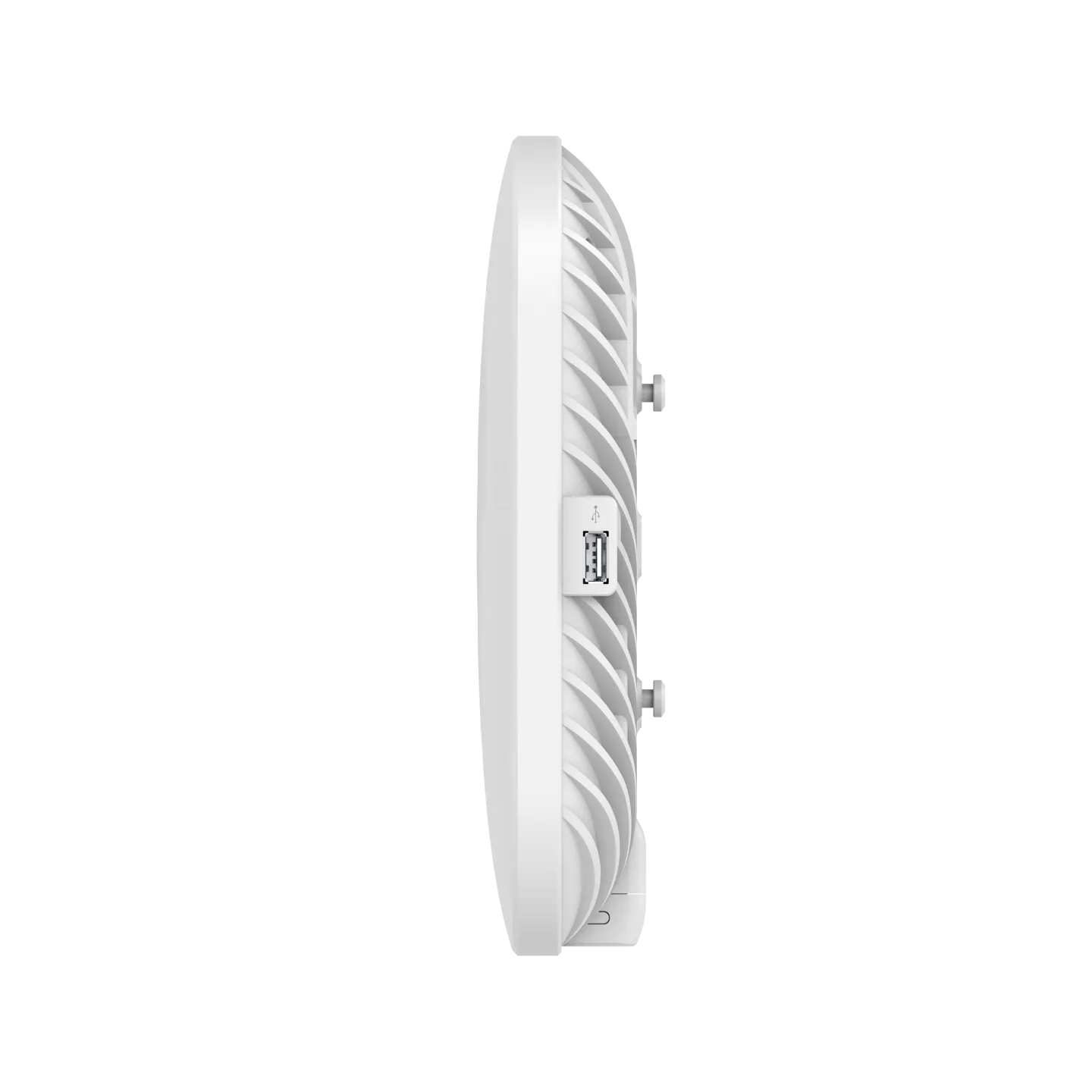
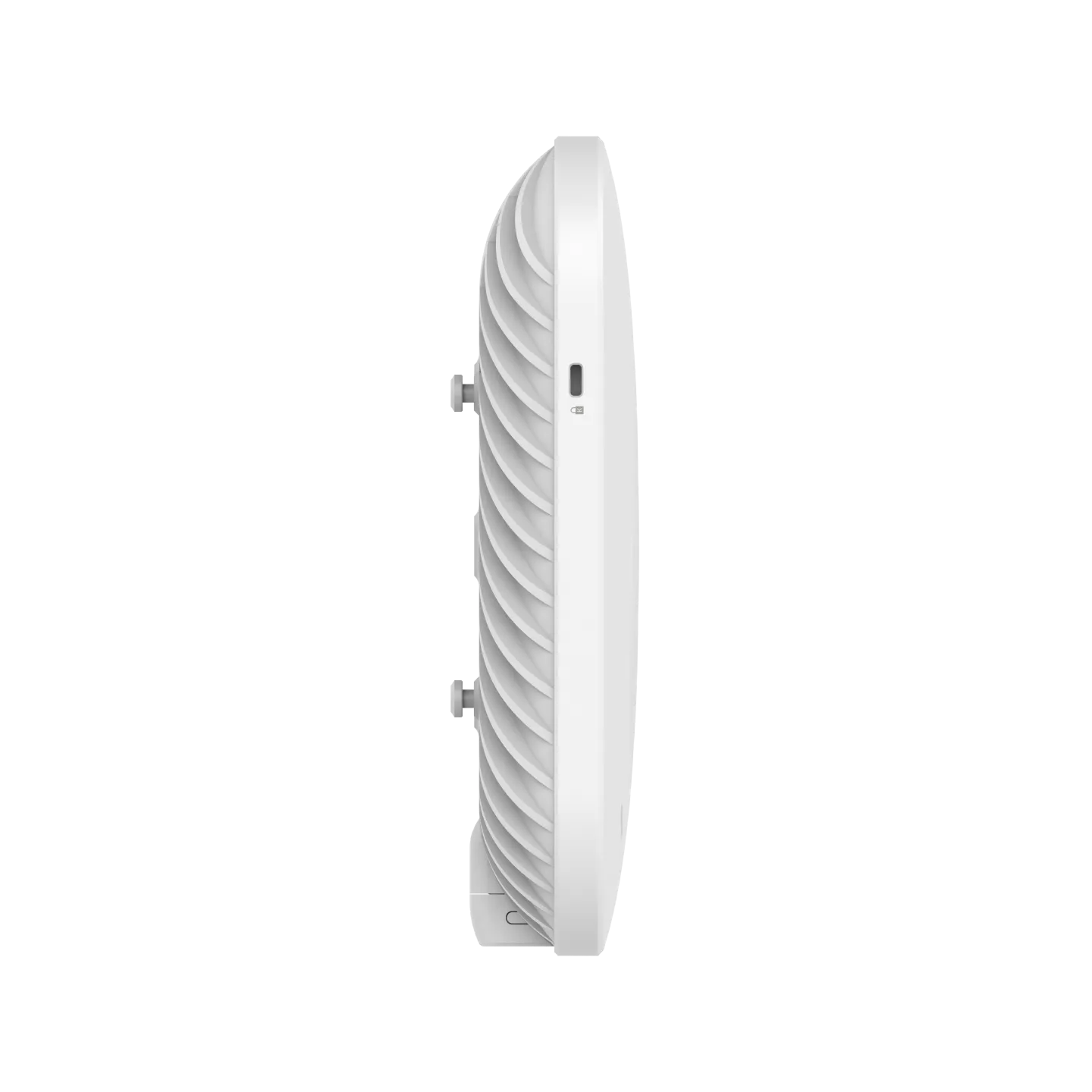
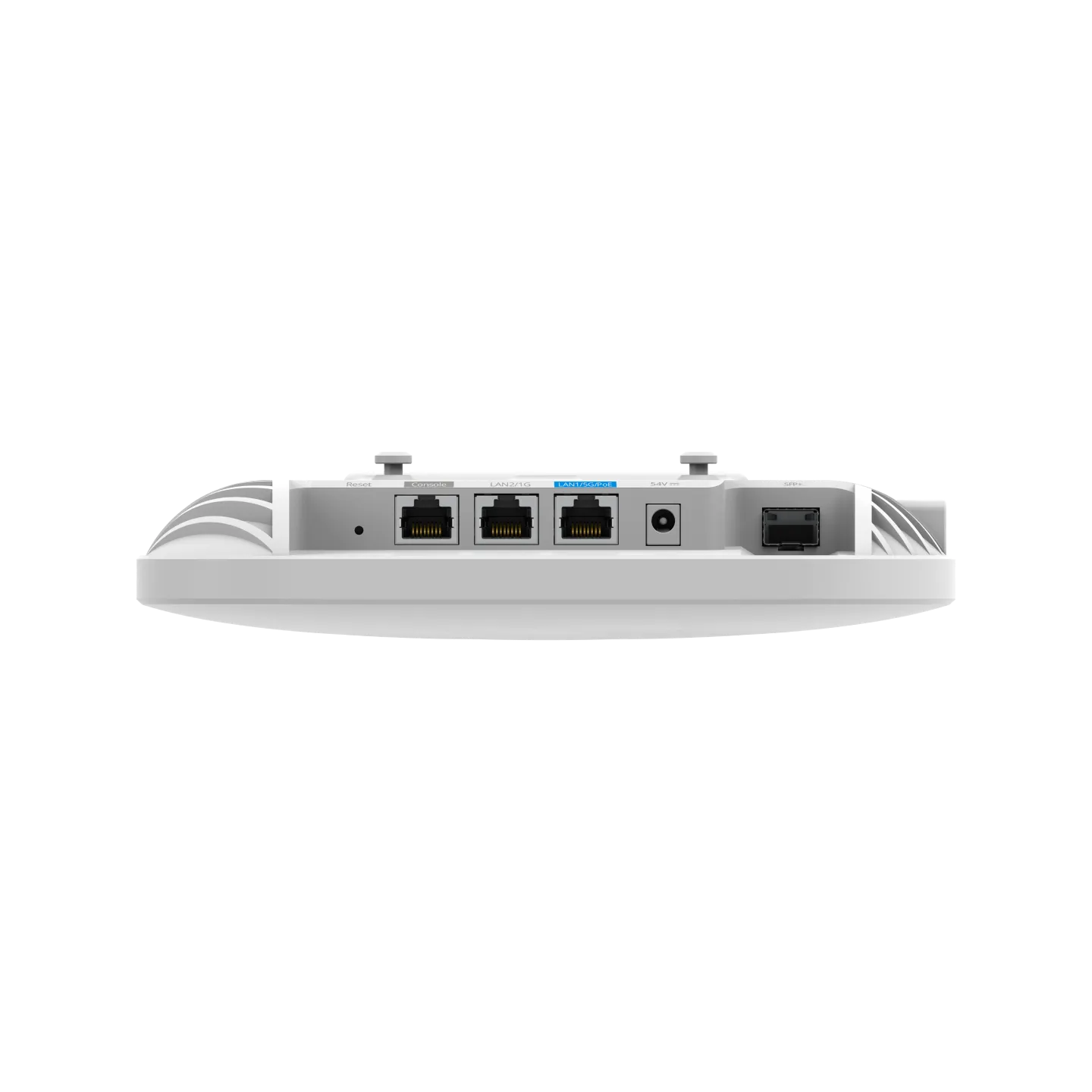
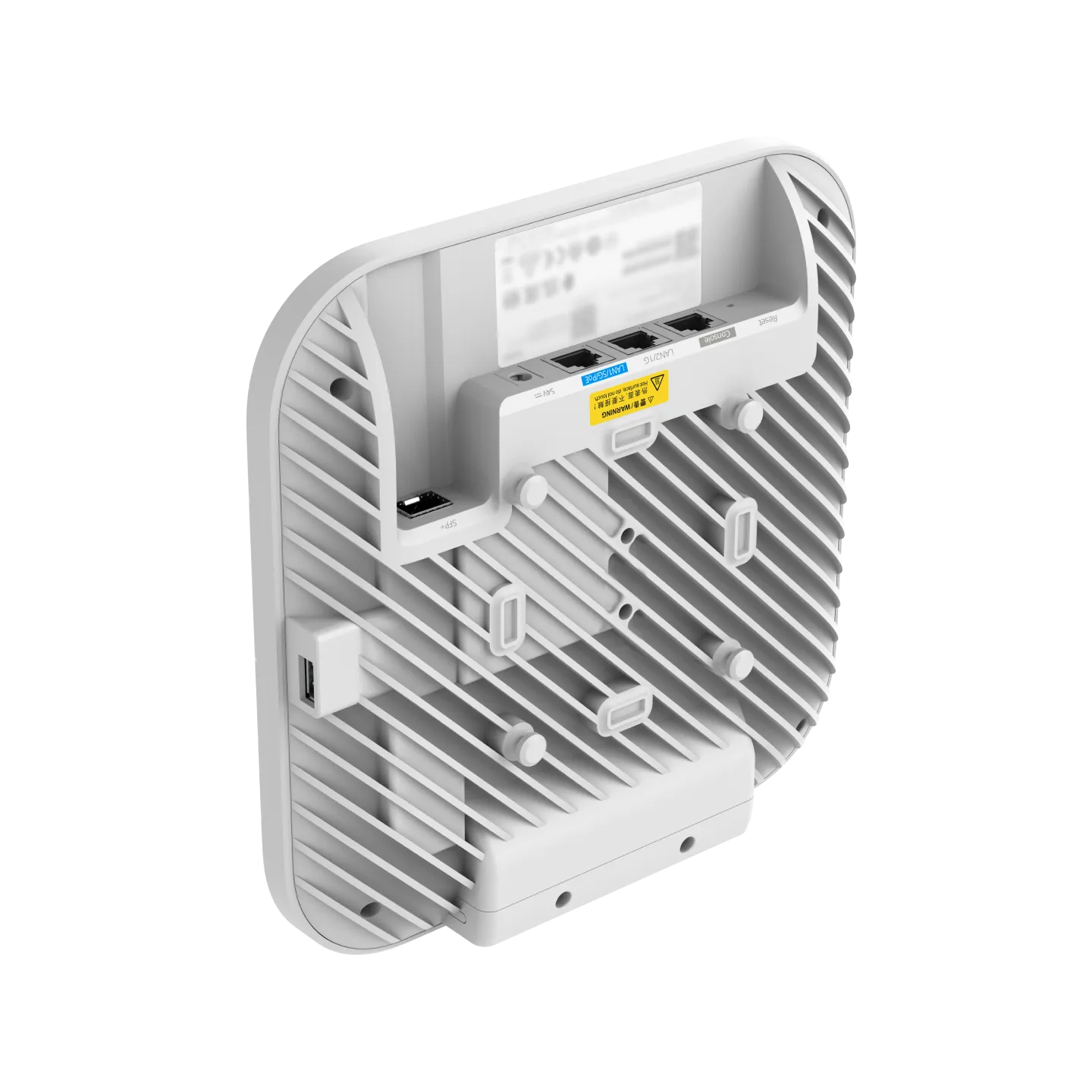
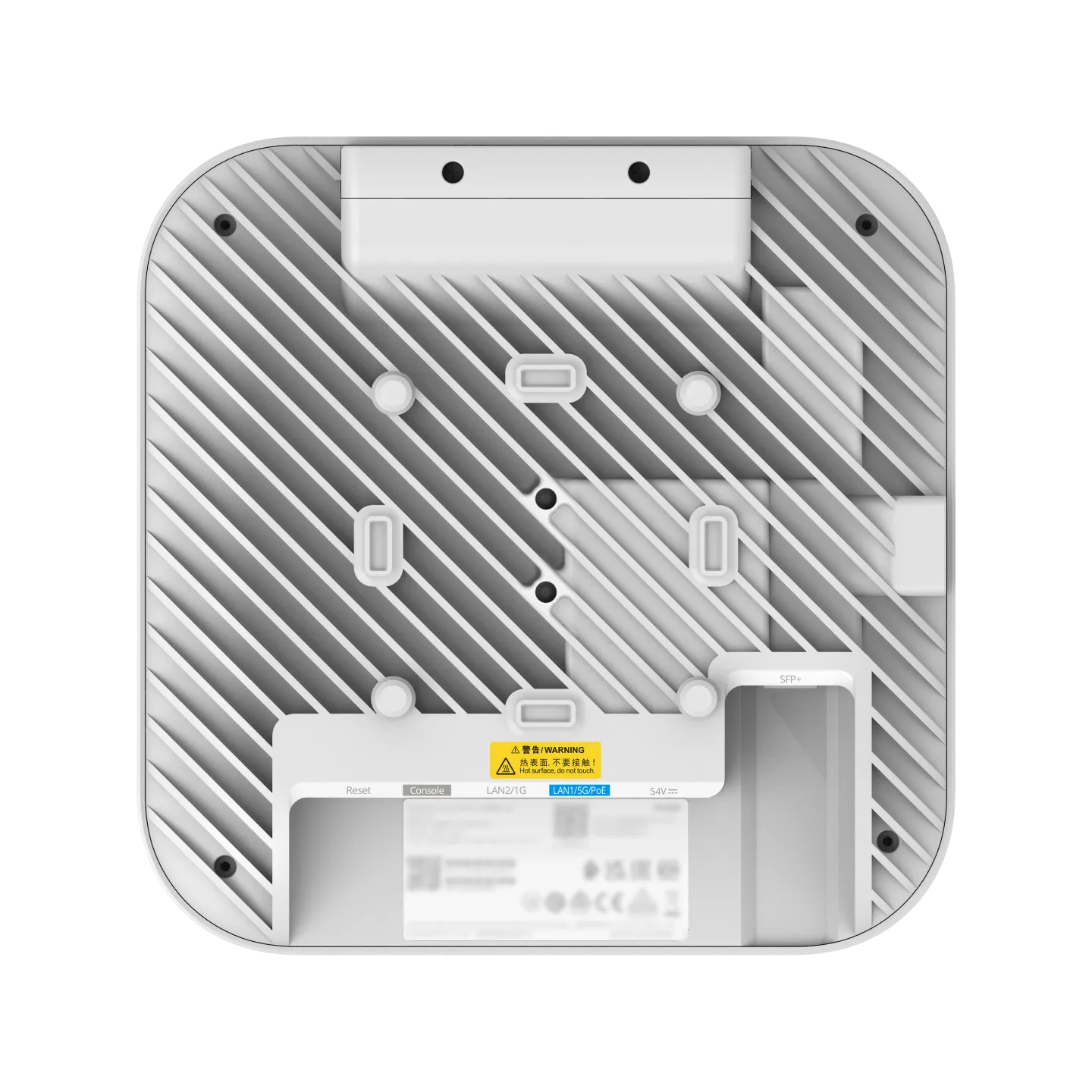


RG-AP9520-RDX Wi-Fi 7 AR Series High-Density Indoor Access Point
Featuring an innovative multi-mode beam-optimized antenna design, the RG-AP9520-RDX provides flexible coverage control. It supports Wi-Fi 7 and integrates multiple wireless technologies to enhance network performance and client access experience in high-density environments.
Multi-Mode Beam-Optimized Antenna Design for Flexible Coverage and Interference Mitigation
75° Coverage
45° Coverage
20° Coverage
The built-in 75° beam antenna reduces overlapping coverage and minimizes co-channel interference between APs. It is recommended for indoor deployments with a mounting height of less than 5 meters.
Intelligent Client Steering and AP Load Balancing for Efficient Resource Utilization
The built-in dedicated AI Radio continuously scans the entire RF spectrum in real time, creating a comprehensive view of the RF environment and connected clients across the network. It intelligently steers clients to better-performing APs when needed, helping prevent sticky clients, balance AP loads, and improve network stability.
Dynamic Multi-Frame Concurrency for Lower Latency
The dynamic multi-frame concurrency technology enables the RG-AP9520-RDX to transmit data to multiple clients within a single transmission opportunity, ensuring that data reaches clients in a timely manner. This improves transmission efficiency and reduces application latency in environments with large numbers of connected clients and high traffic concurrency.
Intelligent Beamforming for Targeted Signal Enhancement and Improved Edge Client Experience
Unlike conventional Transmit Beamforming (TxBF), which is applied uniformly across clients, the RG-AP9520-RDX dynamically identifies edge clients with poor signal quality based on traffic volume, data rate, and signal strength, and selectively enhances their signals. This improves performance for clients at the edge of the coverage area.
WIS Digital Twin Network for Superior Network O&M Efficiency
WIS integrates intelligent O&M functions, including visualized fault locating, along with local, service and key area network optimization. These capabilities aim to improve operational efficiency and enhance the user experience for wireless networks.
Go to WIS >
Go to WIS >