



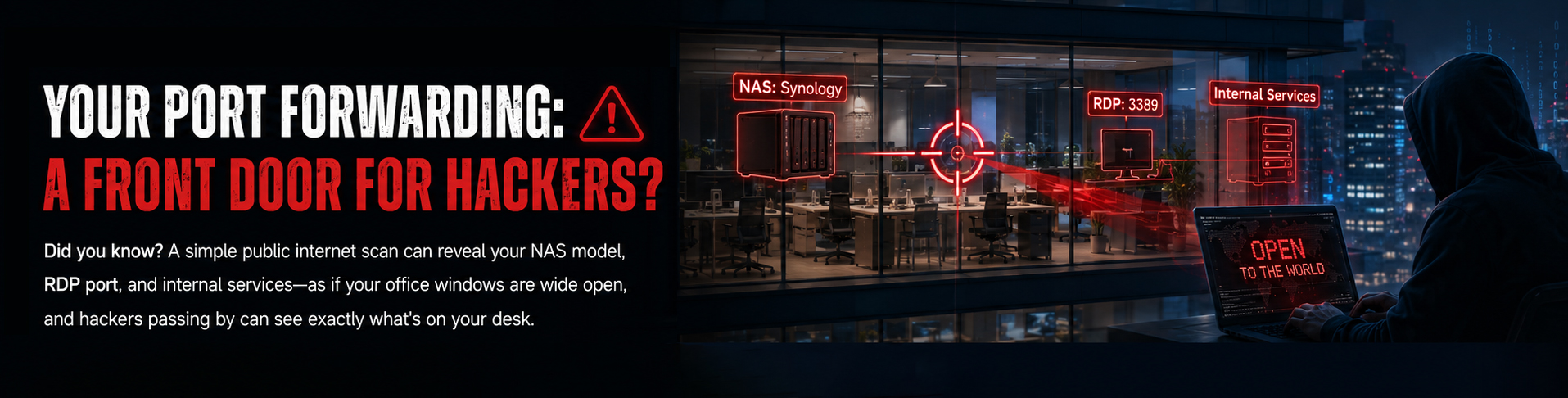
Think hackers can only break in from the internet? Wrong. Often, an attack starts with a single laptop connected to your office Wi‑Fi. If all your devices sit in the same VLAN, one compromised machine can bring down the whole company.
1. Who Is Testing? Who Is Being Tested?
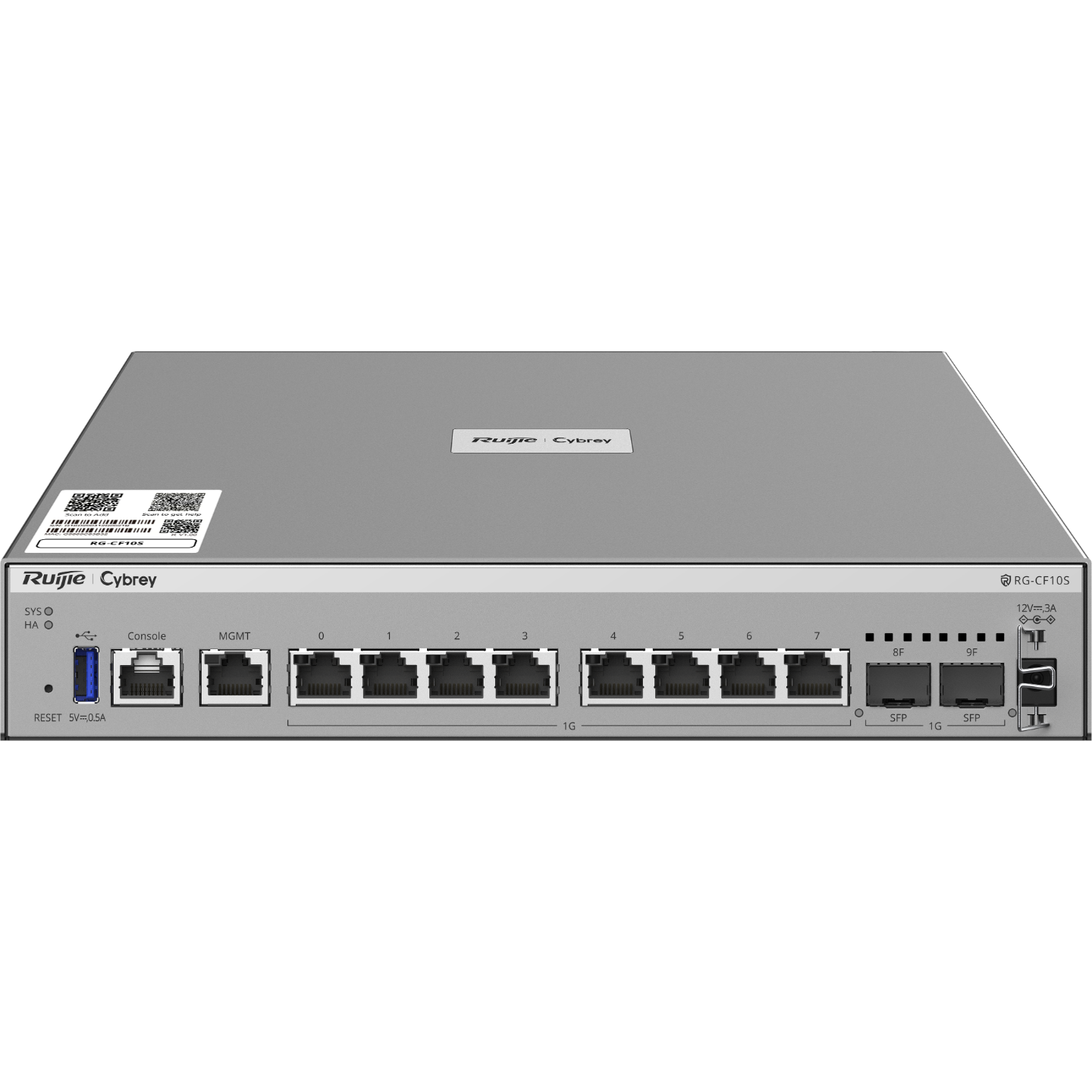
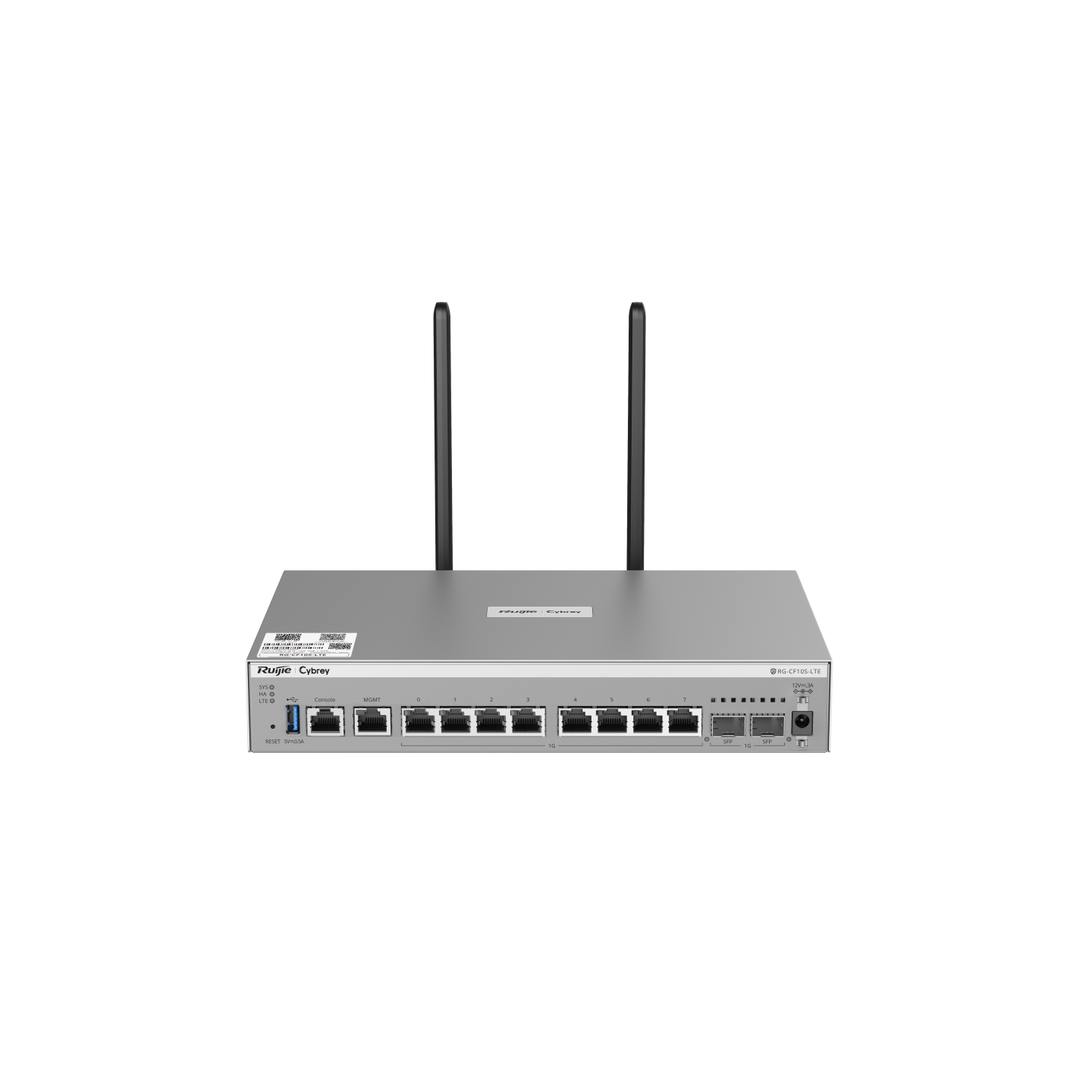
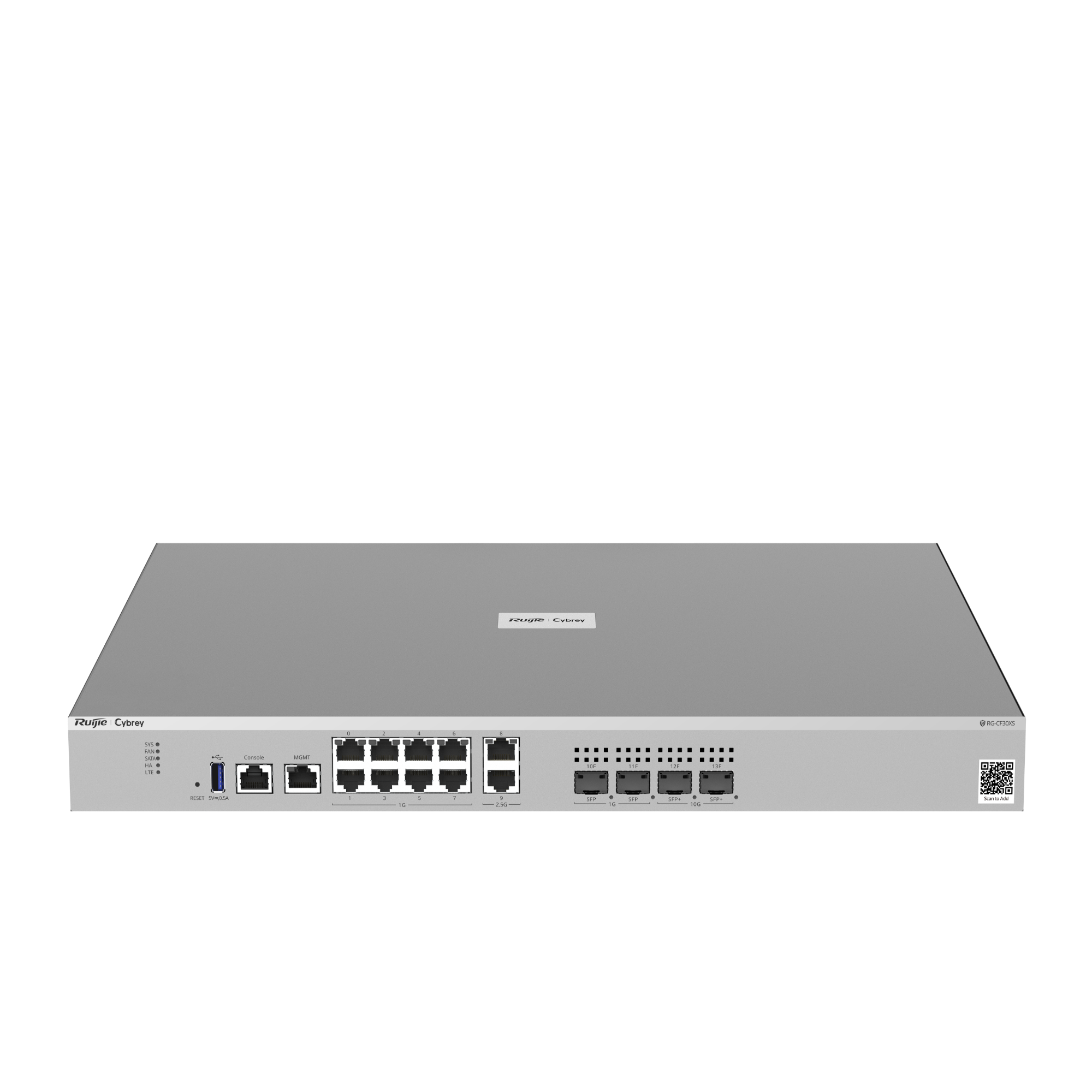
Cybrey is a new sub‑brand launched by Ruijie Networks in 2026 for small and medium‑sized enterprises (SMEs) worldwide. Its core philosophy is “professional but easy” — delivering enterprise‑grade firewalls, switches, wireless, and cloud platforms that used to be affordable only for large corporations, now made accessible to SMEs through cloud and AI technologies, plus Ruijie’s strong manufacturing and supply chain capabilities.
Sysnet is an IT service provider with years of experience in SME network integration. They handle everything from site surveys and solution design to deployment, optimisation, troubleshooting, and data operations. Configuring firewall security policies is part of their daily routine.
When Sysnet received the new Cybrey firewall, they immediately conducted a professional, hands‑on evaluation. Sysnet senior technical officer, summed it up:
“The Ruijie Cybrey CF firewall fully meets our security requirements for SME office environments. I really love what you guys are doing.”
Now let’s walk through Sysnet’s testing process and see what Cybrey did to earn such high praise from a seasoned networking professional
2. Scenario Re‑creation: All Devices in One “Big Room” — A Single Point of Failure
Sysnet observed that many small offices place all devices in a single “big room” — employee PCs, guest Wi‑Fi, NAS, surveillance cameras, printers… all on the same subnet (e.g., 192.168.10.0/24).
They replicated this environment in the lab, then used a Kali Linux machine to simulate a “guest’s infected laptop” — a very common real‑life situation: a client connects to Wi‑Fi during a meeting, or an employee brings in a virus‑infected personal device.
What happened?
Step 1: Scan to discover targets
In less than a minute, the hacker’s tools scanned the entire network and listed every device — NAS, NVR, Windows PCs, cameras — fully exposed.
“It’s like a burglar first scanning your front yard: which windows are open? Is the door locked? Are there cameras?”
Step 2: Directly open login pages
Sysnet connected an ordinary smartphone to the guest Wi‑Fi and, using a mobile app, could directly see the login pages of the NAS and NVR — no hacking skills required.
Step 3: Port scanning to find weaknesses
The NAS had SMB (port 445) and web management (port 5000) open; Windows had Remote Desktop (port 3389); cameras had RTSP video streams (port 554) — all targets laid out clearly.
Step 4: ARP spoofing — intercept all traffic
Worse still, being on the same subnet allows hackers to perform ARP spoofing — pretending to be the gateway (the router that routes all internet traffic).
“All devices must pass through the gateway to go online. Hackers fool them by saying ‘I am the gateway — send all traffic to me first.’ Then every piece of data is intercepted and forwarded on — your username and password typed into the NAS are seen in plain text by the hacker.”
Sysnet’s conclusion was blunt:
“Attacks don’t always have to break through the firewall from the internet. Often, they start from a laptop that connects to your office Wi‑Fi. If all devices are in the same VLAN, one compromised machine brings down the entire company.”
3. What Did Cybrey Firewall Do? VLAN Partitioning + Strict Cross‑Zone Policies + Anti‑Spoofing
1. Isolate with independent VLANs, physically separating guests from internal resources
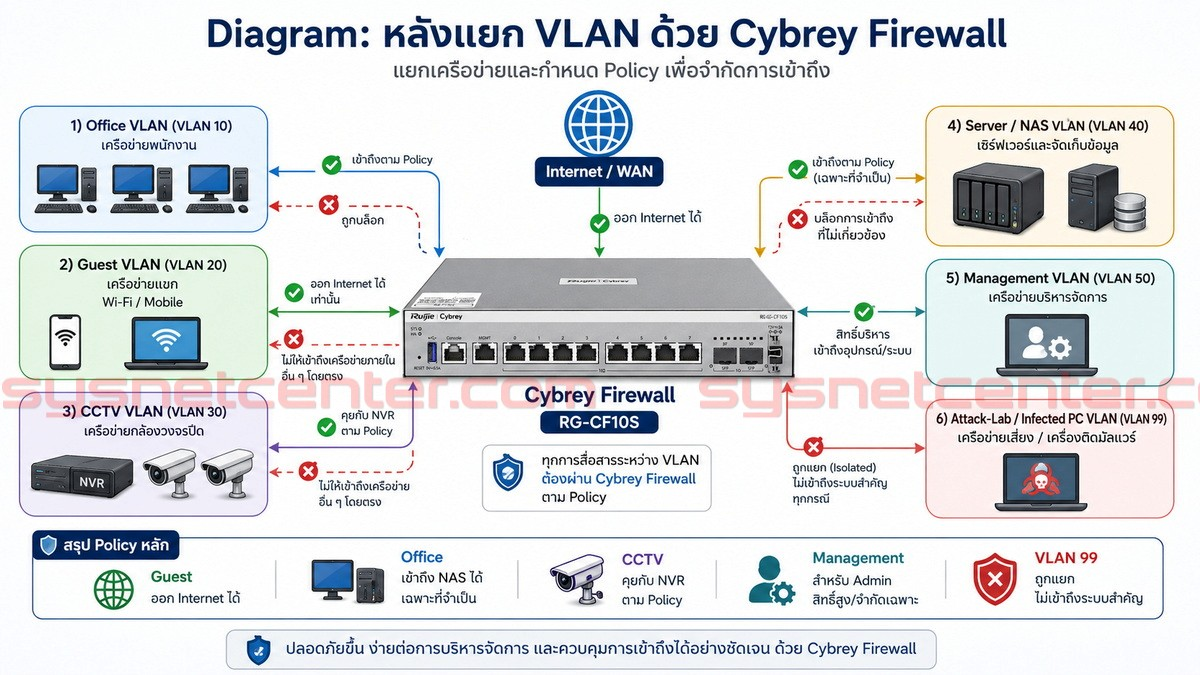
Sysnet used Cybrey to divide the office network into 5 VLANs (e.g., employee, guest, server, surveillance, management) and set up an isolated quarantine VLAN 99 for compromised systems. By creating sub‑interfaces and assigning separate security zones, Cybrey became the gateway for each VLAN.
2. Configure fine‑grained firewall policies
For example, “guest Wi‑Fi can only access the internet,” “employee PCs can only access the NAS with specific security services,” and management access to network devices is restricted to administrators only — attack lab machines are completely blocked.
RRR-20260714-101951-20260714-101952617.png)
Testing again — completely different results:
- Test 1 – Prevent guest scanning of IP addresses
Devices on the guest Wi‑Fi could not scan any internal IP. Any attempt to access the gateway’s management interface was immediately blocked by Cybrey. All cross‑VLAN traffic had to pass through firewall policy checks — unauthorised attempts were dropped.
RRR-20260714-102023-20260714-102024558.png)
“Cybrey’s Security Log records every illegal access attempt. If something goes wrong, you can trace back exactly — who, when, and what they tried to do.”
- Test 2 – Prevent ARP spoofing
Although ARP protection is primarily a switch function, if an attacker is on the same network as the firewall, Cybrey can also help — by adding static ARP entries, it ensures the firewall only trusts genuine MAC addresses, preventing spoofing.
RRR-20260714-102046-20260714-102047811.png)
RRR-20260714-102101-20260714-102102292.png)
- Test 3 – Block HTTP login to critical devices
To further strengthen data security, Cybrey intercepts HTTP logins to devices like NAS and web services, allowing only HTTPS‑encrypted access.
RRR-20260714-102118-20260714-102119504.png)
4. Conclusion: VLAN Segmentation Is Not a “Nice‑to‑Have” — It’s a “Must‑Have”
Sysnet’s real‑world tests prove:
- On a flat subnet, one infected laptop can expose the entire company’s data.
- Cybrey’s simple VLAN setup and policy configuration completely block lateral attack paths inside the network.
- What used to take security engineers days to configure can now be done quickly via the AI‑driven cloud management platform, giving SMEs enterprise‑grade internal security.
5. Try Cybrey Yourself
“Most office cybersecurity problems aren’t because companies can’t afford good equipment — it’s because they don’t know how to configure it properly, or they think ‘let’s make do for now’ — and they regret it only after a breach.” - Sysnet Senior Tech Officer
Cybrey makes proper security configuration simple, fast, and cost‑effective.
Contact Ruijie Networks or Sysnet (if you’re in Thailand) to test the Cybrey CF firewall yourself.
📌 Learn More:
- Ruijie Cybrey official website: https://www.ruijie.com/en-global/cybrey/
- Sysnet original review (Port Forwarding & RDP security test): https://sysnetcenter.com/cybrey-firewall-vlan-office-network-security.htm
- Get a demo unit: https://www.ruijie.com/en-global/sales_enquiry or email Cybrey@ruijie.com
“I really love what you guys are doing.” — You might say the same after your own test.
We hereby express our special thanks to the Sysnet professional technical team for their provision of the thorough technical evaluation materials and the associated reprint authorization. Any republication of this article or the original Sysnet report requires prior written permission from us. —— Ruijie Cybrey Marketing Team